
























Use UUIDs for test records and check their format
Inspect a version-4-shaped identifier and build a small test dataset without confusing IDs with access secrets.
A UUID can help separate records in a test dataset without assigning meaningful names. The useful checks are format, consistent storage and duplicate handling. An identifier is not proof that a person is authorised to access the record.
In this guide
Generate a fresh test identifier
Open UUID Generator and copy the displayed identifier. Generate another value for a second record. Keep one complete identifier per record, including all hyphens. The example below is a fixture for inspecting the format, not a newly generated value and not something every record should reuse.
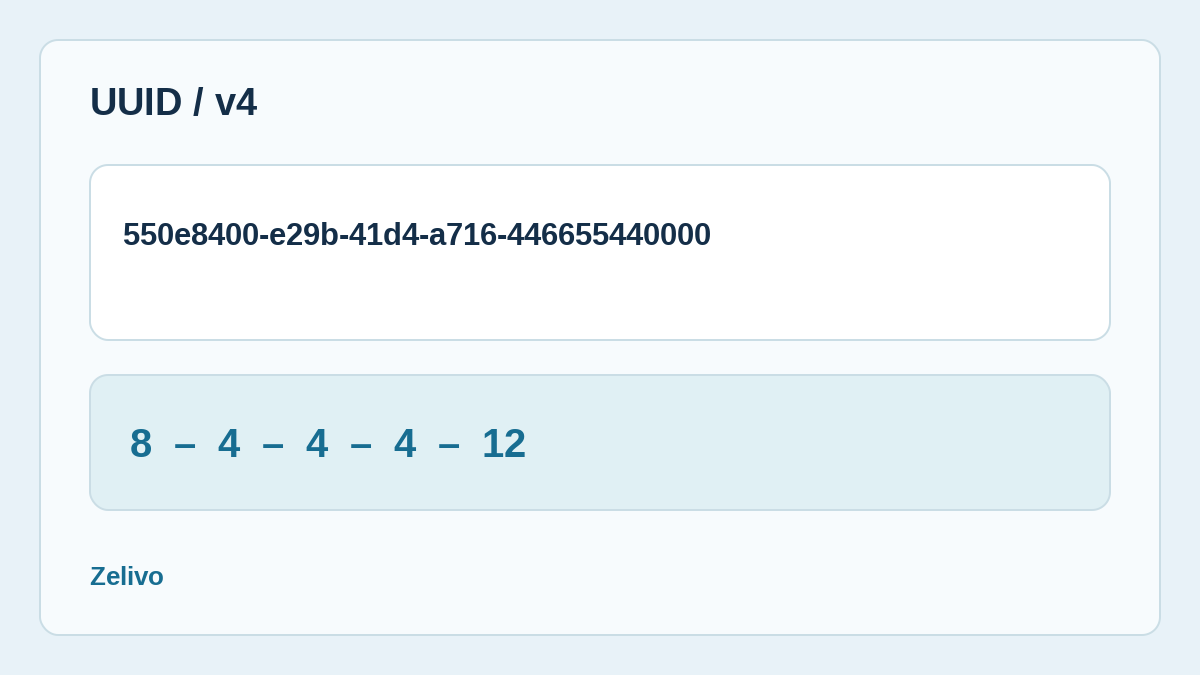
550e8400-e29b-41d4-a716-446655440000
8-4-4-4-12 hexadecimal characters
Inspect the format without overinterpreting it
The usual text form has 36 characters: 32 hexadecimal characters and four hyphens. A version-4-shaped value has 4 at the start of the third group. The first character of the fourth group is one of 8, 9, a or b. These checks can catch truncation or a misplaced separator, but they do not audit the generator’s randomness or prove uniqueness.
Do not use this browser tool’s output as a password, session secret or authorisation token. Use a security-reviewed generator for security-sensitive values. Even when an ID is difficult to guess, the application still needs proper access checks for the record it identifies.
Store the ID as a string
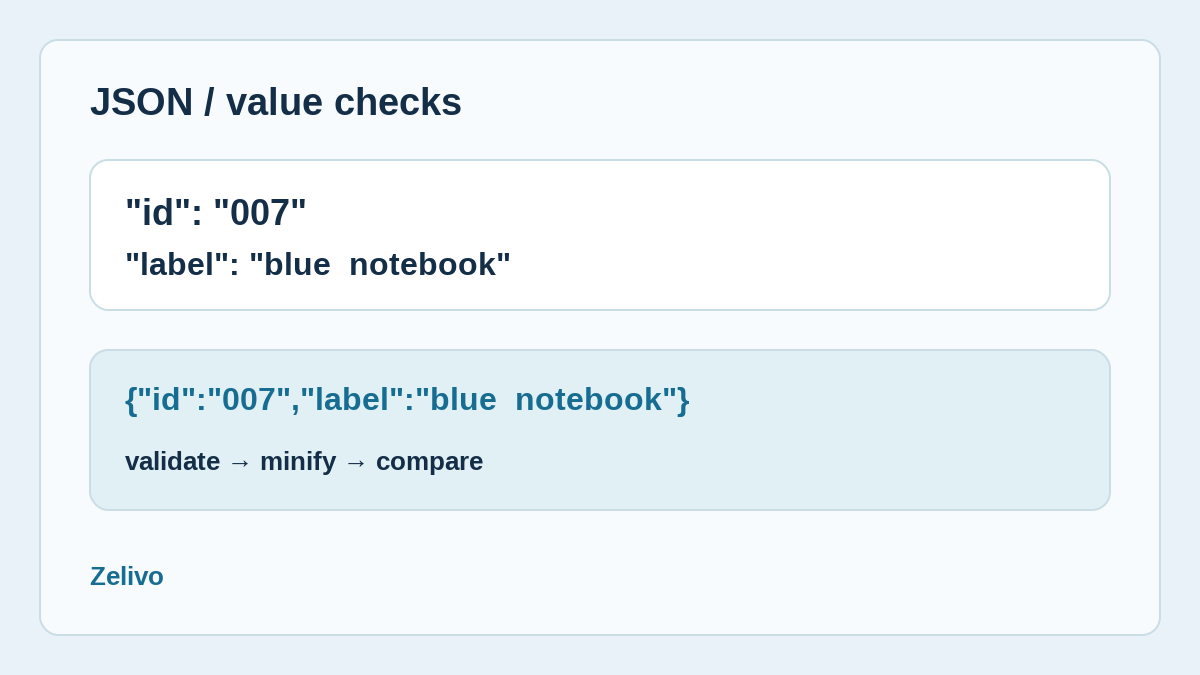
[{"id":"550e8400-e29b-41d4-a716-446655440000","label":"sample-a"}]Keep the ID quoted in JSON and use JSON Validator to check the fixture. Choose one textual case convention for your project. If a database uses a compact UUID type rather than text, use its documented conversion path instead of simply deleting characters from exported data.
Check duplicate handling and the copy process
- Paste the copied value into a plain text editor and check its length and separators. Avoid line wrapping or invisible leading and trailing spaces in imported identifiers.
- Keep a uniqueness constraint where your data model requires unique IDs. A short run without duplicates is not a guarantee about every future value.
For a repeatable test suite, keep fixed fixture IDs in the test data. For newly created records, generate new values through the application’s normal creation flow. Mixing those purposes makes failures harder to reproduce and can accidentally reuse one copied ID across several records.
Try the related tools
Continue with another guide

Zelivo Team
Product Team
We build simple, reliable browser tools that make everyday digital work faster.
Popular Tools
Recent Posts